

GitHub data sources can only be created as personal data sources. Shared data sources are not supported for this integration.
Connect GitHub as a data source
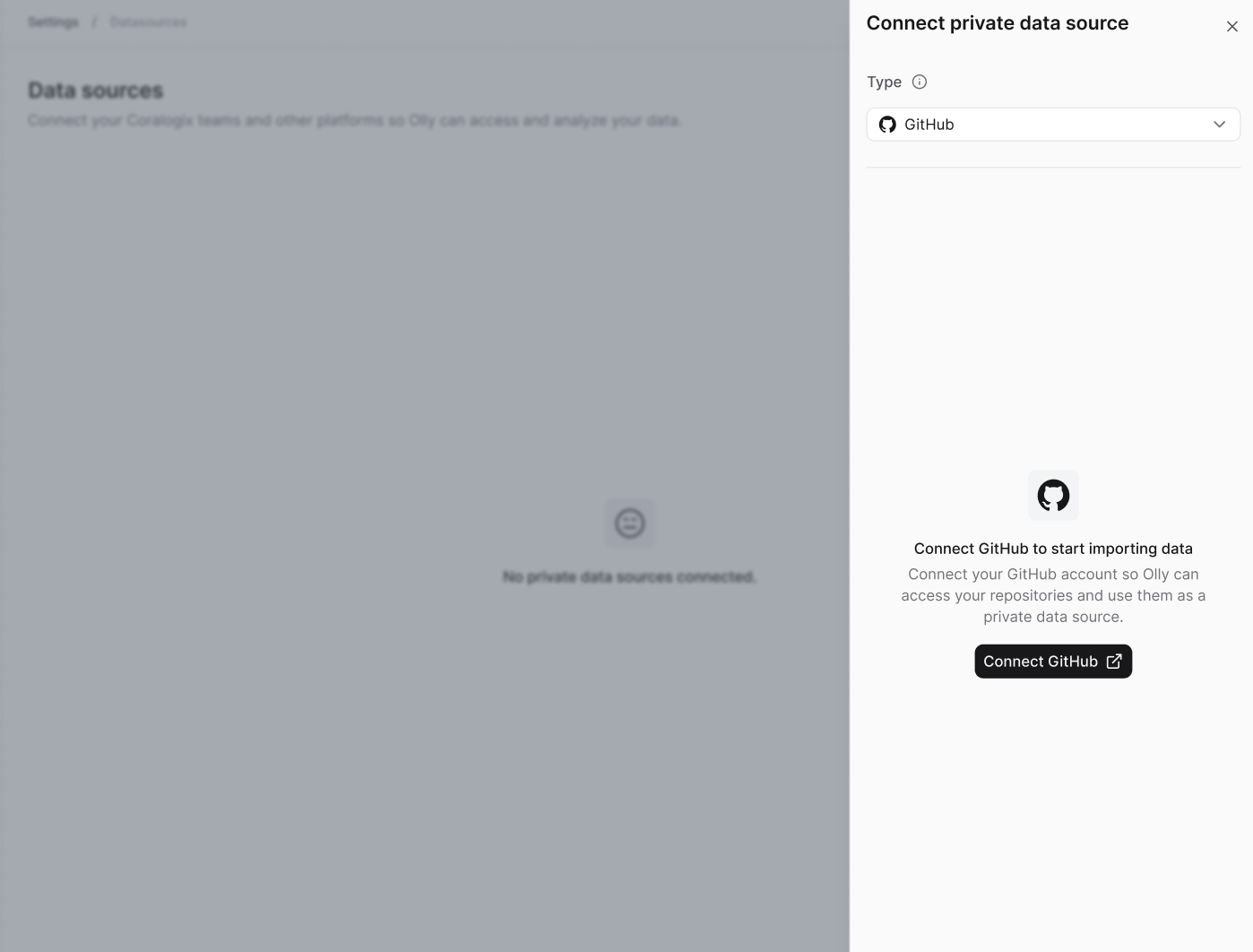
- Go to Data sources → Connect.
- Select Personal data source.
- Set the type to GitHub.
- Select Connect GitHub.
- Complete the GitHub authentication flow.
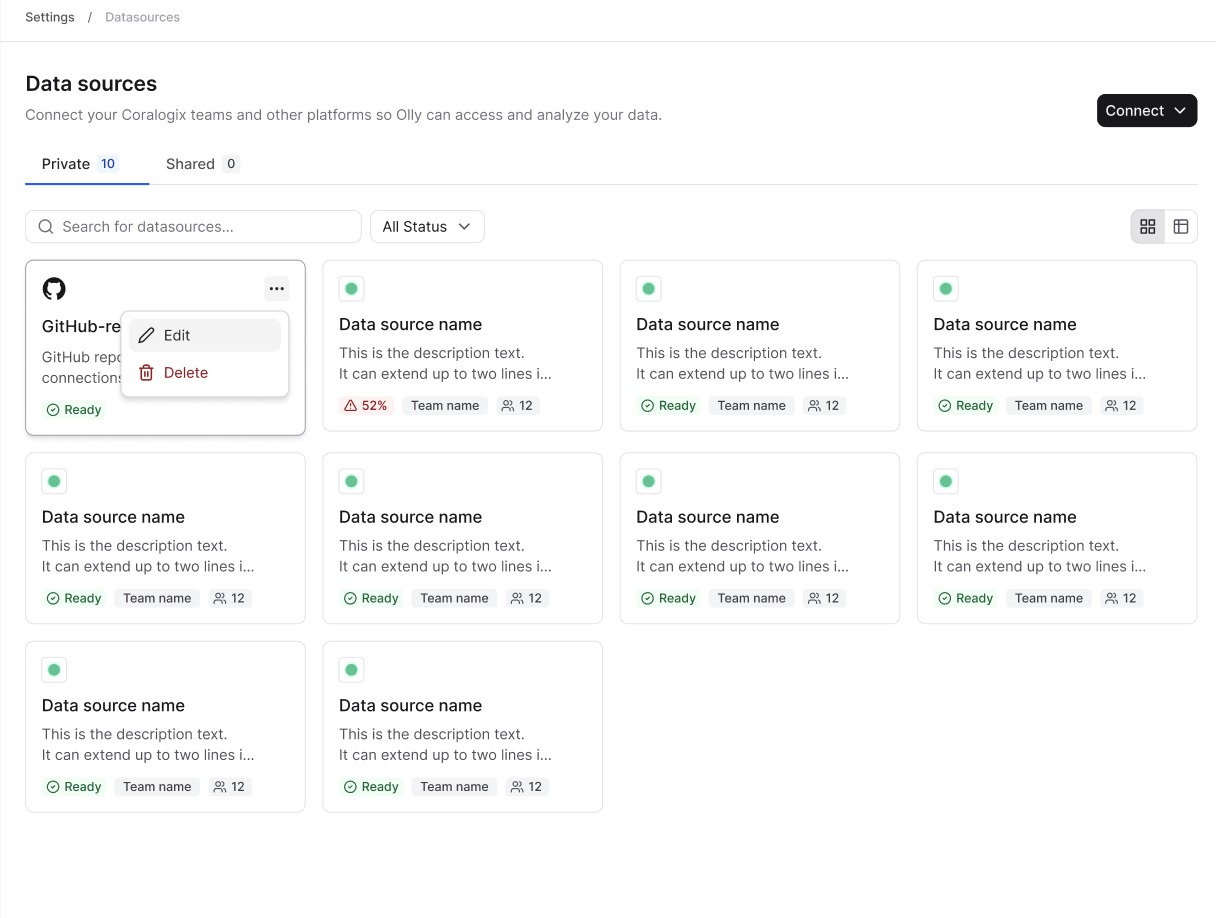
If an admin disables or removes the GitHub integration, all GitHub data sources connected by users in the organization are immediately unavailable.
Usage requirements
- GitHub data source is available only in Focus mode.
- Currently, Olly supports one GitHub data source per user, and one repository per data source (multi-repo support coming later).
- A specific repository must be selected to use code context. Queries cannot run without choosing a repository.
- If you have access to repositories in GitHub that do not appear in the repository selection dropdown in the chat, contact your GitHub organization administrator to approve access for Olly’s app.
Use GitHub data source in chat
When chatting with Olly in Focus mode, you can select the GitHub data source. Olly will automatically use code context when it’s relevant to your question or investigation.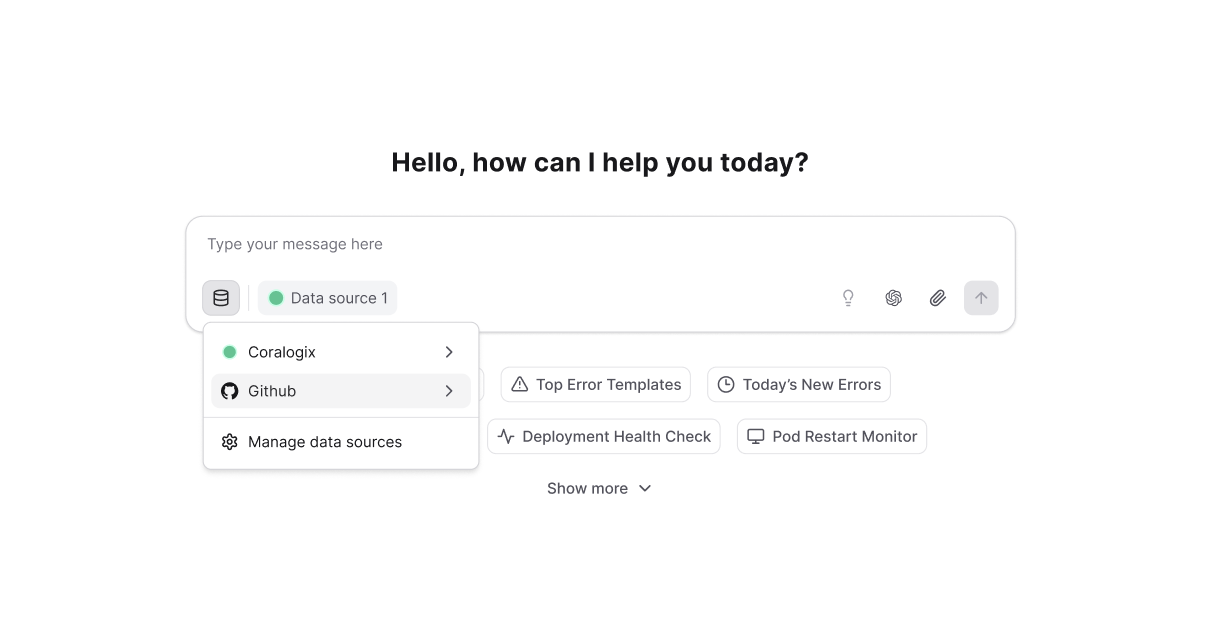
How it works
Once the integration is enabled and GitHub data source is connected, Olly can search and analyze your repository when code context is relevant, for example when:- You ask about specific code behavior.
- Olly is conducting an investigation.
- Olly is performing root cause analysis.
- Compare production vs. staging behavior.
- Identify regressions.
- Understand why an issue happens now but didn’t before.
Insights & fixes
When code context is used, Olly can:- Highlight exact file paths and line ranges.
- Explain why those lines matter.
- Suggest targeted fixes or code changes.