

Overview
Enable seamless integration between Olly and Slack to bring AI-powered collaboration directly into your team’s communication.With Olly available in channels and DMs, your team can access intelligent answers and artifacts — right where conversations happen.
Why integrate?
- Communicate directly with Olly in channels or DMs using your region handle (e.g.,
@Olly-EU2). - Receive threaded responses from Olly to keep conversations organized.
- Get links from Slack back to Olly artifacts for deeper exploration.
- Streamline collaboration by turning chat requests into tracked insights and actions.

Setup requirements
To setup the Olly Slack integration, make sure the following requirements are met:- You have Olly organization admin permissions: Only organization admins can install and manage the Slack integration.
- You use a shared Coralogix data source: Slack can only use shared data sources.
- You connect only one Olly organization per Slack workspace: A Slack workspace can be connected to only one Olly organization at a time. If an Olly integration already exists in that workspace, you can’t connect another Olly organization from the same region.
-
You use the correct region-specific Olly app and handle: Add the Olly app to channels using
/invite @Olly-<region>(for example,/invite @Olly-EU2) and always mention Olly using the matching region-specific handle.
How to install
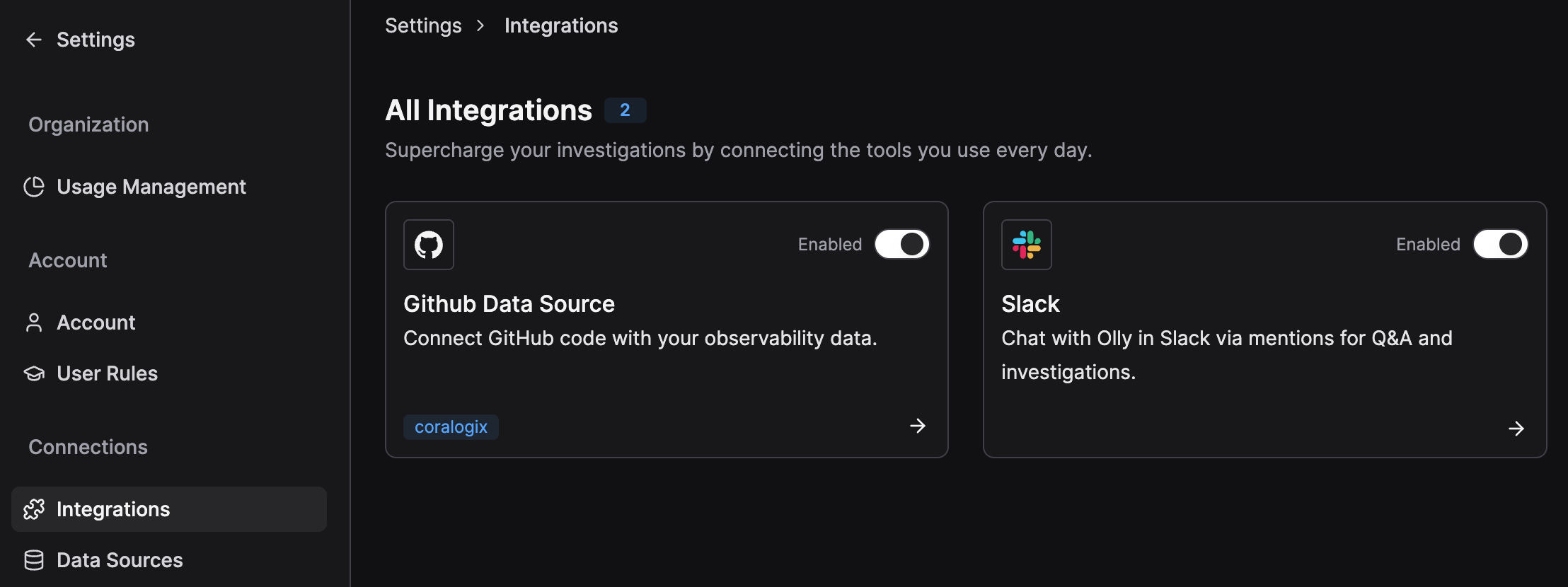
- Go to Settings → Connections → Integrations → Slack.
- Toggle to Enable.
- Complete the Slack OAuth flow.
- When prompted, choose which shared data source Slack should use. Only shared data sources can be exposed to Slack.
- Save your changes.
Usage requirements
To use Olly in Slack without interruptions, make sure the following requirements are met:- You have an Olly account: Slack messages are linked to individual Olly users. If you don’t have an account yet, Olly will ask you to sign up.
- You’re part of the Olly organization connected to this Slack workspace: If you’re in Slack but not in the connected Olly organization, Olly won’t be able to answer your questions. Each Slack workspace can be connected to only one Olly organization at a time.
-
You have available tokens: Olly checks your personal token quota before answering:
- If you have available tokens, Olly responds normally.
- If your tokens run out during the response, Olly will let you know and still provide a full answer.
- If you reach your token limit, Olly will let you know and prompt you to contact your admin to increase your quota.
How it works
- In any public or private channel, or in a DM with your Olly app, mention your region-specific handle with a clear prompt:
@Olly-EU2 show P95 latency for auth-service (last 24h)@Olly-EU2 summarize the 500s spike after the latest deploy
- When you send a message, Olly identifies you using your Slack user and links the request to your Olly account in the organization connected to the Slack workspace.
- Olly replies in a thread to keep conversations tidy.
- Continue the conversation with Olly in the thread using the
@Olly-<region>handle. - Replies include links to related artifacts in Olly for deeper analysis.
- Slack thread content is not mirrored as chat in Olly — only artifacts are accessible.